Persona-aware alerting.
Every role on a safety team has different needs. MVSX AI bakes that into the product — tenant admins see the organization, site managers see their sites, supervisors get the alerts on their floor, and viewers can audit without the noise.
Capabilities
Five built-in roles
tenant_admin, site_manager, supervisor, viewer, super_admin — each with sensible defaults.
Scoped data
Sidebars, dashboards, and alert feeds are pre-filtered to what the role is authorized to see.
Read-only mode
Compliance reviewers and external auditors get the data without an edit affordance in sight.
Notification routing
Each rule names which roles get notified, so the supervisor isn't paged for things the tenant admin handles.
How it’s wired up.
- 01
Pick the role
Choose from the five presets when you invite a user.
- 02
Scope the access
Grant specific sites or areas the user is responsible for. Permissions cascade automatically.
- 03
Tune the routing
Per rule, decide which roles get notified, on which channel, with what severity floor.
Other detectors that ship with MVSxAI.
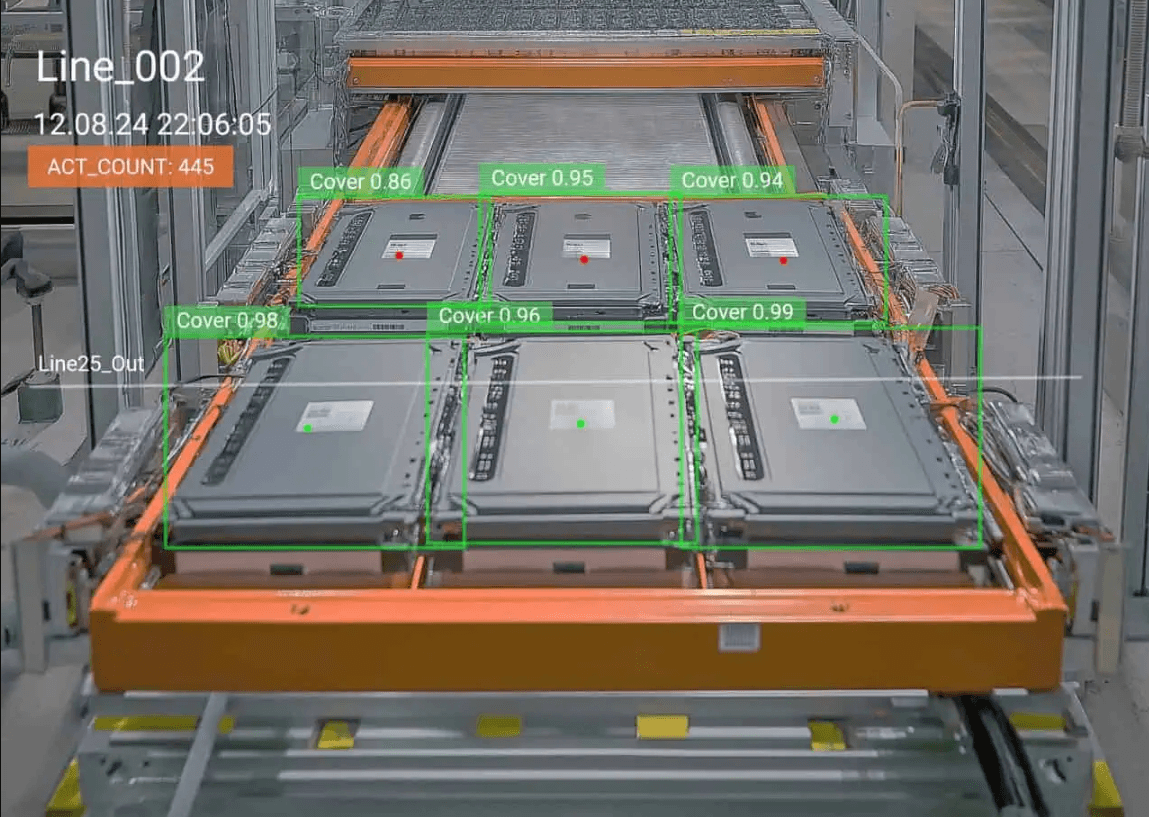
PPE compliance
Detect missing hard hats, hi-vis vests, and face shields the instant a worker enters a zone.
Read more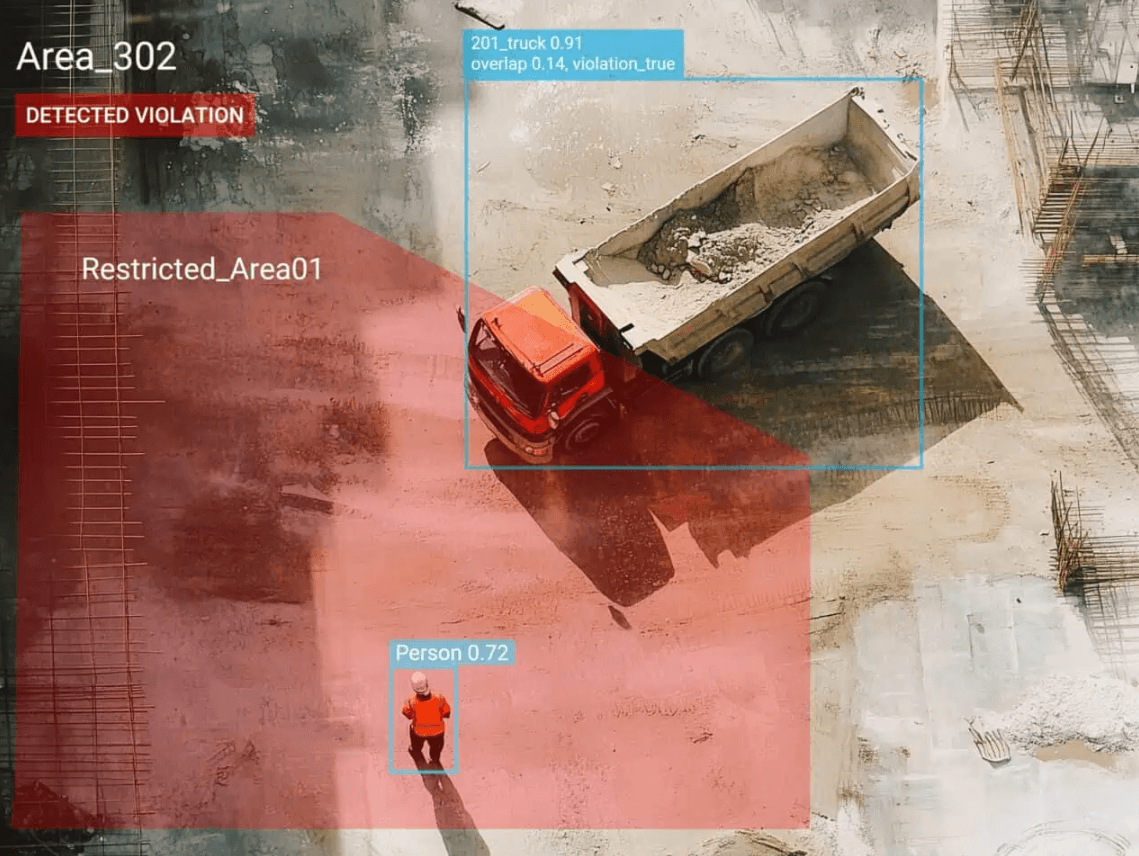
Forklift & pedestrian conflict
Catch pedestrian-and-vehicle conflicts in the lanes that hurt people most.
Read more
After-hours intrusion
Watch restricted zones outside scheduled work hours — chemicals, fuel cabinets, server rooms.
Read moreSee it on your cameras.
30-minute demo, mock data prepared. No deck, no commitment.