After-hours intrusion.
Chemical stores, fuel cabinets, server rooms — places that should be empty after a certain hour. MVSX AI knows when they should be empty and alerts the moment they're not.

Capabilities
Schedule by zone
Per-zone, per-day-of-week schedules. Timezone-aware so a 22:00 rule means 22:00 on the floor.
Motion vs. presence
Distinguish a human entering the zone from a parked forklift or wind-blown debris.
Holiday calendar
Sync with the org calendar so a public holiday doesn't trigger a flood of false alerts.
Direct-to-security routing
Optionally bypass the supervisor and alert security directly during off-hours.
How it’s wired up.
- 01
Define the zone
Mark the restricted area on the camera frame.
- 02
Set the schedule
Active hours, active days, and an optional holiday calendar. One-minute granularity.
- 03
Pick who to alert
On-call security, the site manager, or both — with their preferred channel.
Other detectors that ship with MVSxAI.
PPE compliance
Detect missing hard hats, hi-vis vests, and face shields the instant a worker enters a zone.
Read more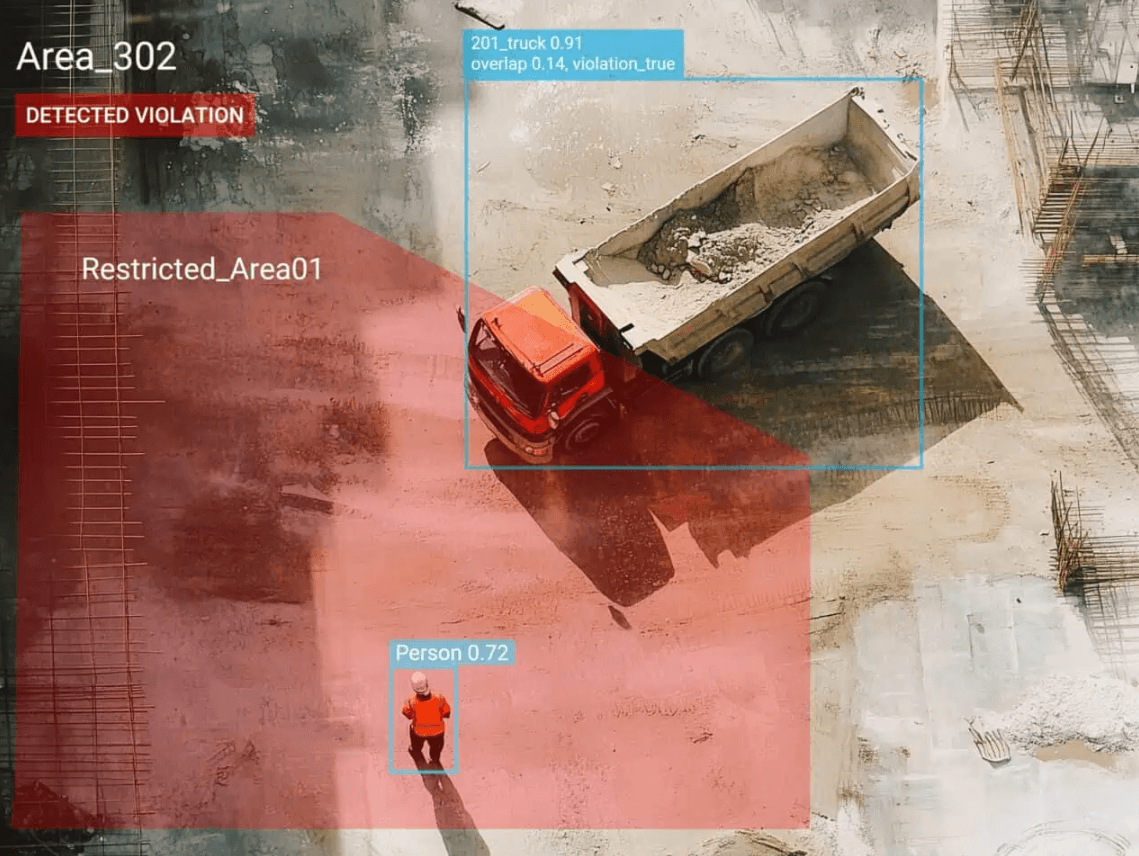
Forklift & pedestrian conflict
Catch pedestrian-and-vehicle conflicts in the lanes that hurt people most.
Read more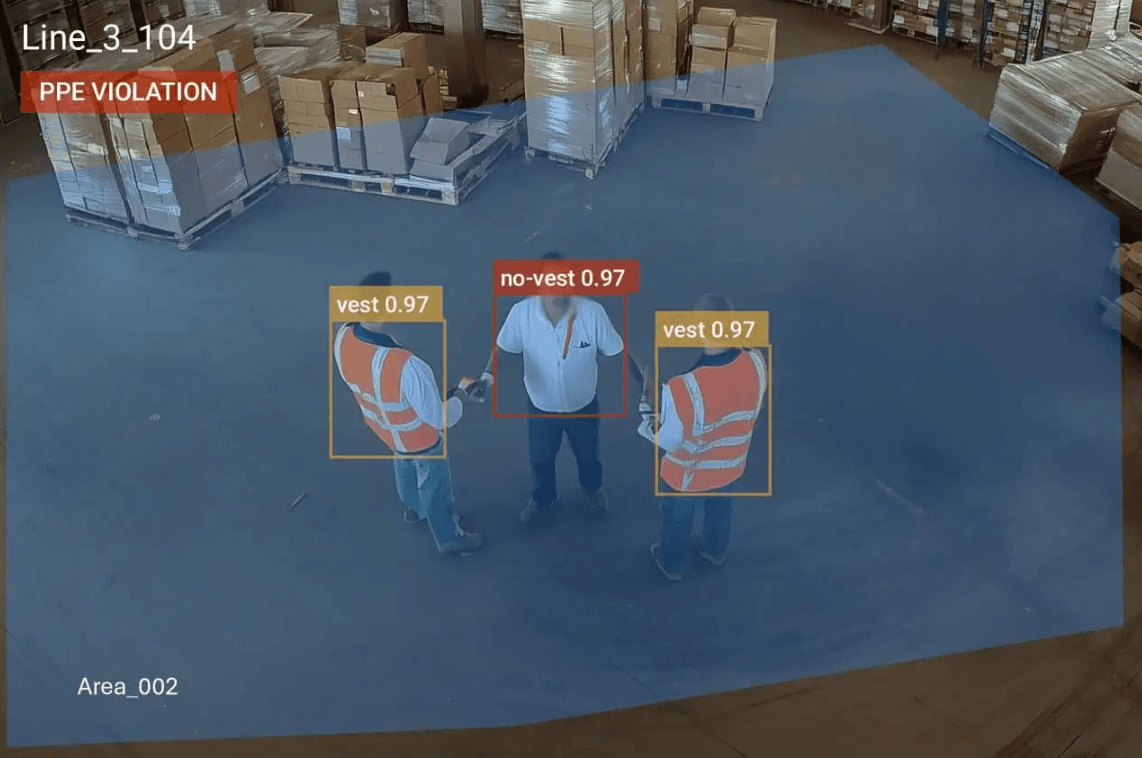
Audit trail
Every detection, ack, and escalation logged with operator, time, and clip.
Read moreSee it on your cameras.
30-minute demo, mock data prepared. No deck, no commitment.